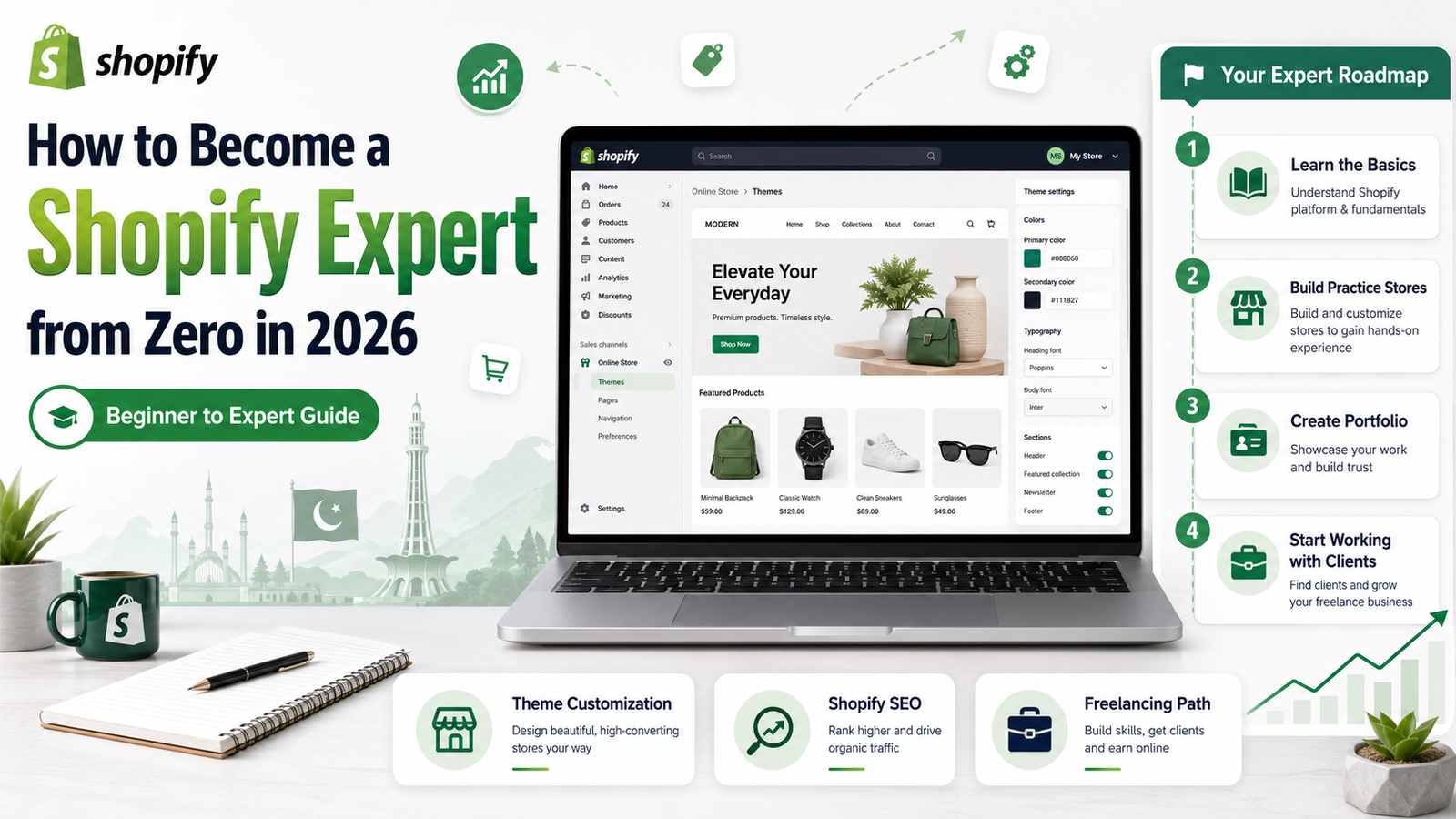
How to Become a Shopify Expert from Zero in 2026
Introduction
Many beginners want to earn online but do not know which skill to learn first. Some people try random YouTube videos, some start freelancing without skill, and some think they need a degree to earn online.
Shopify is one of the best ecommerce skills to learn in 2026. Businesses need online stores, and Shopify helps them sell products online without building a website from scratch.
If you are searching for how to become a Shopify expert, this complete beginner guide will help you understand the roadmap from zero. Even if you have no experience, you can start learning Shopify step by step and build real skills.
What is a Shopify Expert?
A Shopify expert is someone who can create, design, manage, and improve Shopify stores for businesses or clients.
A Shopify expert can help with:
- Shopify store setup
- Theme customization
- Product uploading
- Collection creation
- Homepage design
- Product page optimization
- App installation
- Shopify SEO basics
- Store speed improvement
- Store redesign
- Basic conversion optimization
In simple words, a Shopify expert helps businesses build better online stores.
Can Beginners Become Shopify Experts?
Yes, beginners can become Shopify experts. You do not need to be a coder at the start. You can begin with basic Shopify store setup and theme customization.
At the beginner level, you should focus on no-code skills first. After that, you can learn advanced topics like Shopify Liquid, custom sections, conversion optimization, and store speed.
The key is practice. Shopify is not a skill you can learn only by watching videos. You must build stores, test features, and create sample projects.
Why Shopify is a Valuable Skill in 2026
Shopify is valuable because ecommerce is growing. Many businesses want to sell products online, but they do not know how to create a professional store.
Shopify is useful for:
- Local businesses
- Ecommerce brands
- Dropshipping stores
- Product-based businesses
- International sellers
- Small business owners
- Freelancers
- Digital marketers
If you learn Shopify properly, you can use it for freelancing, local business projects, ecommerce work, or your own online store.
Skills You Need to Become a Shopify Expert
To become a Shopify expert, you need to learn both basic and practical skills.
1. Ecommerce Basics
Before learning Shopify, understand ecommerce. Learn what products, customers, checkout, payment, shipping, profit, and orders mean.
This will help you understand how online stores work.
2. Shopify Dashboard
The Shopify dashboard is the main control area of the store.
You should learn:
- Products
- Orders
- Customers
- Online Store
- Themes
- Apps
- Settings
- Analytics
3. Theme Customization
A theme controls the look of a Shopify store.
You should practice:
- Homepage design
- Header and footer setup
- Product sections
- Collection sections
- Colors and fonts
- Mobile layout
- Store navigation
4. Product Page Optimization
Product pages are very important because customers decide here whether they want to buy.
Learn how to create product pages with:
- Clear product title
- Good images
- Simple description
- Price
- Variants
- Reviews
- Trust badges
- Delivery information
- Call-to-action button
5. Shopify Apps
Apps add extra features to Shopify stores.
Learn app categories like:
- Review apps
- SEO apps
- Email marketing apps
- Page builder apps
- Upsell apps
- Speed apps
- Currency apps
6. Basic Shopify SEO
SEO helps Shopify stores appear on Google.
Learn:
- Product title SEO
- Meta titles
- Meta descriptions
- Image alt text
- Collection page SEO
- Blog basics
- Website speed basics
Step-by-Step Roadmap to Become a Shopify Expert
Follow this roadmap if you are starting from zero.
Step 1: Understand Shopify and Ecommerce
Start by learning what Shopify is and how ecommerce works. Do not jump directly into advanced settings.
Understand how a customer visits a store, views products, adds to cart, checks out, and places an order.
Step 2: Create a Practice Store
Create a demo store and explore the dashboard. You can use it only for learning and practice.
Your first goal is to become comfortable with the Shopify interface.
Step 3: Learn Store Setup
Practice setting up a store from scratch.
Learn how to:
- Add store details
- Set up navigation
- Add products
- Create collections
- Add pages
- Customize theme
- Install basic apps
Step 4: Customize Themes
Choose a free Shopify theme and customize it.
Practice creating:
- Homepage banner
- Featured product section
- Collection section
- About page
- Contact page
- Product page layout
- Mobile-friendly design
A clean design builds customer trust.
Step 5: Build 3 to 5 Demo Stores
To become confident, build multiple demo stores in different niches.
You can create stores for:
- Clothing
- Beauty products
- Mobile accessories
- Fitness products
- Home decor
- Digital products
These demo stores will help you build a portfolio.
Step 6: Learn Shopify SEO and Optimization
After store setup, learn how to improve the store.
Focus on:
- Fast loading speed
- Mobile design
- Product page SEO
- Collection SEO
- Image optimization
- Clear navigation
- Better product descriptions
This makes your skill more valuable.
Step 7: Build a Portfolio
A portfolio shows your work to clients. Without a portfolio, getting clients becomes difficult.
Your portfolio can include:
- Demo store links
- Screenshots
- Product pages
- Homepage designs
- Before-and-after examples
- Store audit samples
Even if you have no client, practice stores can become your portfolio.
Step 8: Start Offering Shopify Services
Once you have basic skill and portfolio, start offering services.
You can offer:
- Shopify store setup
- Theme customization
- Product uploading
- Store redesign
- Product page optimization
- Shopify SEO basics
- Store audit
- Monthly store support
Start with small projects and improve with experience.
How to Earn as a Shopify Expert
You can earn as a Shopify expert in different ways.
1. Freelancing
You can offer Shopify services on Fiverr, Upwork, LinkedIn, Facebook groups, and Instagram.
2. Local Business Projects
Many local businesses want to sell online. You can help them create a Shopify store.
3. Shopify Virtual Assistant
You can manage products, apps, orders, pages, and basic store updates.
4. Store Redesign Services
Some Shopify stores already exist but look unprofessional. You can improve their layout and design.
5. Monthly Maintenance
You can offer monthly support to businesses for store updates, products, apps, and basic SEO.
Free Learning vs Paid Shopify Course
You can start learning Shopify for free through YouTube, blogs, and free tutorials. Free learning is good for basic understanding.
But free content is often scattered. One video teaches store setup, another teaches apps, another teaches dropshipping, and beginners may feel confused.
A paid Shopify course is helpful when you want:
- Clear roadmap
- Step-by-step lessons
- Practical projects
- Portfolio guidance
- Real examples
- Freelancing direction
- Support when you get stuck
Our Shopify Store Development Mastery course is designed for beginners who want to become skilled in Shopify store development. It helps you learn Shopify from zero, build practice stores, understand store design, and prepare for freelancing or client work.
Common Mistakes Beginners Make
Avoid these mistakes when learning Shopify.
1. Starting with Advanced Topics Too Early
First learn the basics. Do not jump into coding or complex apps too soon.
2. Watching Random Videos
Follow a proper roadmap instead of learning random topics.
3. Not Practicing
Shopify is a practical skill. You must build stores to become good.
4. Ignoring Mobile Design
Most customers use mobile phones. Your Shopify store must look good on mobile.
5. Not Building a Portfolio
Clients need proof. Create sample stores and show your work.
6. Thinking Shopify is Only Dropshipping
Shopify is not only for dropshipping. It is also used for local brands, ecommerce stores, digital products, and service businesses.
Final Advice
If you want to know how to become a Shopify expert, start from the basics. Learn ecommerce, explore the Shopify dashboard, create practice stores, customize themes, optimize product pages, learn basic SEO, and build a portfolio.
Do not rush. Focus on one step at a time. Shopify can become a valuable skill for freelancing, ecommerce, and online earning in 2026.
Start with free learning if you are new. When you are serious and want a clear roadmap, a structured course like Shopify Store Development Mastery can help you learn faster and avoid confusion.
FAQs
1. How to become a Shopify expert from zero?
Start by learning ecommerce basics, then learn Shopify dashboard, product uploading, theme customization, apps, SEO, and portfolio building.
2. Do I need coding to become a Shopify expert?
No, coding is not required at the beginner level. You can start with no-code Shopify store setup and theme customization.
3. Can I earn money as a Shopify expert?
Yes, you can earn by offering Shopify store setup, theme customization, product uploading, store redesign, SEO, and monthly support services.
4. How long does it take to learn Shopify?
Beginners can understand basic Shopify in a few weeks with daily practice. Becoming confident takes more time and real projects.
5. Is Shopify a good skill in 2026?
Yes, Shopify is a useful skill in 2026 because many businesses need online stores and ecommerce support.

You may also like
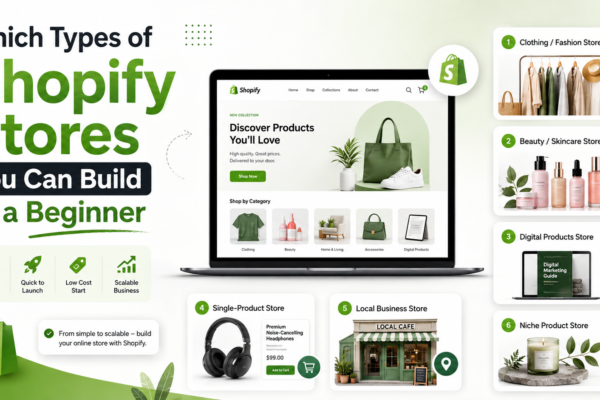
Which Types of Shopify Stores You Can Build as a Beginner
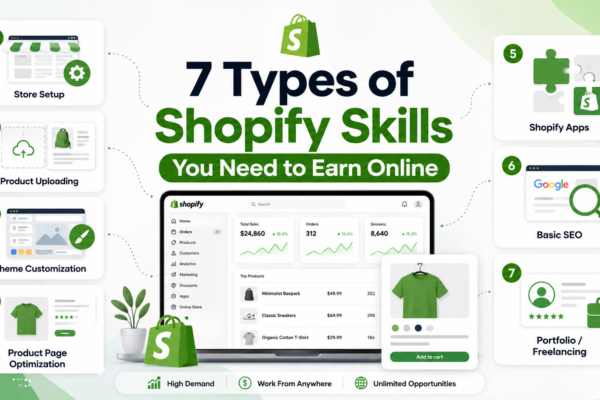
7 Types of Shopify Skills You Need to Earn Online