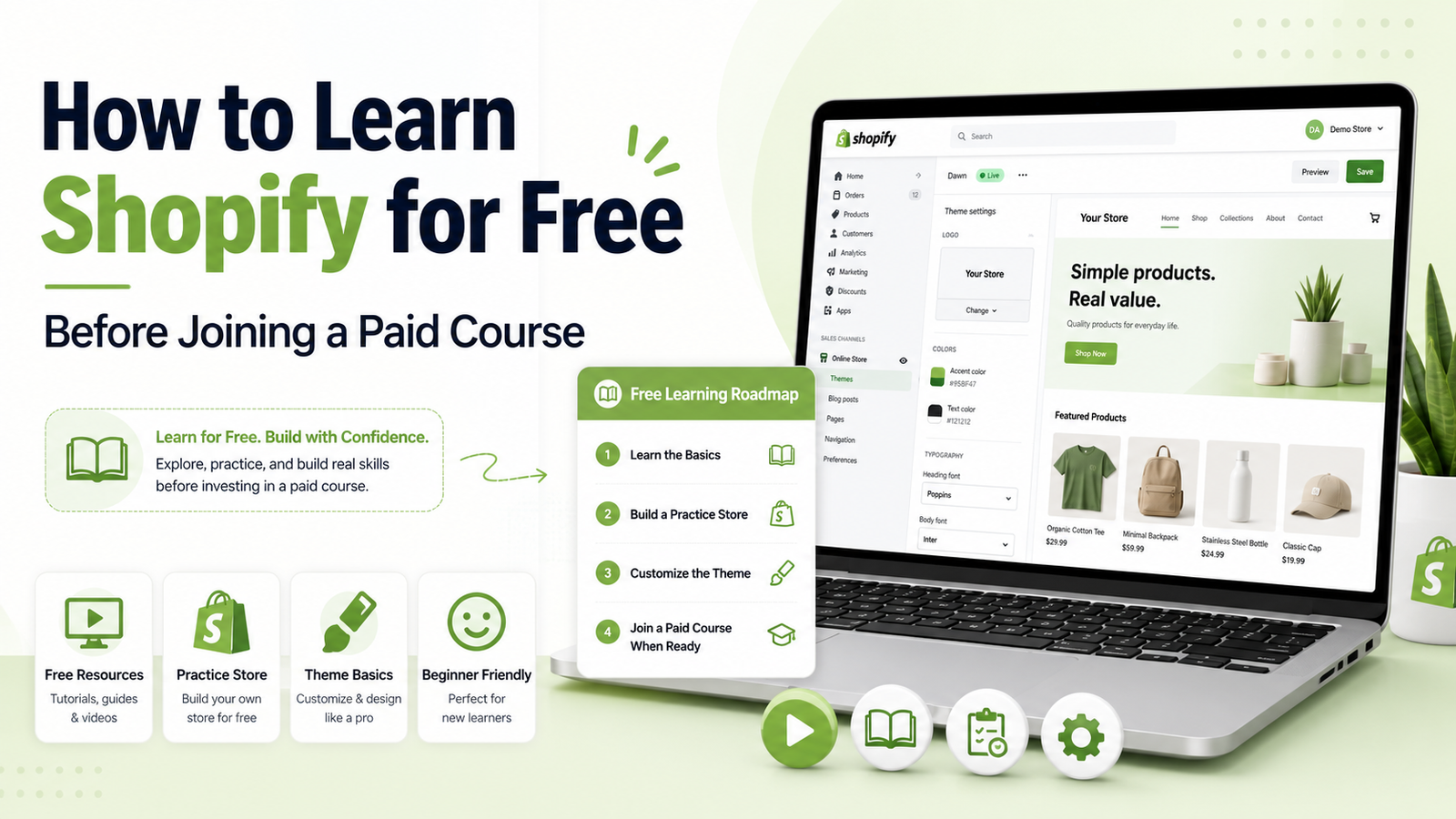
How to Learn Shopify for Free Before Joining a Paid Course
Introduction
Many beginners want to learn Shopify but feel confused about where to start. Some people search YouTube, some read blogs, and some directly join a paid course without understanding the basics.
If you are searching for how to learn Shopify for free, this guide will help you start the right way. You do not need to buy a course on day one. First, you should understand what Shopify is, how ecommerce works, and what skills are required to build a Shopify store.
Free learning is a good starting point. It helps you test your interest before investing in a paid course. But to grow faster, you also need practice, roadmap, and proper guidance.
Can You Learn Shopify for Free?
Yes, you can learn Shopify for free. Many basic Shopify lessons are available on YouTube, blogs, free tutorials, and Shopify’s own learning resources.
You can learn things like:
- What Shopify is
- How ecommerce works
- How to create a store
- How to add products
- How to customize themes
- How to install apps
- How to create basic pages
- How to understand orders and settings
Free learning is best for understanding the basics. It helps you decide whether Shopify is the right skill for you or not.
But free learning also has one problem: content is often scattered. One video teaches store setup, another teaches apps, another teaches dropshipping, and beginners do not know the correct order.
What Should Beginners Learn First?
Before learning advanced Shopify, start with simple concepts.
You should first understand:
- What is ecommerce?
- What is an online store?
- What is Shopify used for?
- What is a product page?
- What is a theme?
- What are Shopify apps?
- How do customers place orders?
- How does a store look professional?
This basic knowledge will make Shopify easier for you.
Best Free Ways to Learn Shopify
Here are some useful free methods for beginners.
1. YouTube Tutorials
YouTube is one of the easiest places to learn Shopify for free. Search for beginner tutorials and watch step-by-step videos.
But do not watch random videos all day. Create a simple learning plan and follow one topic at a time.
2. Shopify Free Resources
Shopify provides helpful guides and learning material for beginners. These can help you understand store setup, products, themes, and ecommerce basics.
3. Blogs and Beginner Guides
Blogs are useful because they explain concepts in written form. You can read slowly, take notes, and follow steps at your own speed.
4. Free Practice Store
Practice is the most important part. You can create a test store and explore the Shopify dashboard. Try adding products, changing themes, creating pages, and testing different settings.
5. Free Communities
Facebook groups, LinkedIn groups, and online communities can help you learn from other beginners and experts. You can ask questions and see real problems people face.
Step-by-Step Free Shopify Learning Roadmap
Follow this simple roadmap if you want to learn Shopify for free.
Step 1: Learn Ecommerce Basics
Start by understanding ecommerce. Learn how online stores work, how customers buy products, and how businesses manage orders.
Important terms include:
- Product
- Customer
- Checkout
- Payment
- Shipping
- Profit
- Store design
- Product description
Step 2: Explore Shopify Dashboard
Create a Shopify account and explore the dashboard.
Learn how to use:
- Products section
- Orders section
- Customers section
- Online store section
- Themes
- Apps
- Settings
- Analytics
The dashboard is the main control area of your Shopify store.
Step 3: Learn Product Uploading
Products are the heart of an online store. Learn how to add products correctly.
Practice adding:
- Product title
- Product images
- Product description
- Price
- Variants
- Inventory
- Product tags
- Collections
A clean product page helps customers trust the store.
Step 4: Learn Theme Customization
A theme controls the design of your Shopify store. Start with basic theme customization.
Practice changing:
- Homepage banner
- Product sections
- Fonts
- Colors
- Header
- Footer
- Collection layout
- Mobile view
Your goal is to make the store simple, clean, and easy to use.
Step 5: Learn Important Shopify Apps
Shopify apps add extra features to your store.
Beginners should learn app categories like:
- Review apps
- SEO apps
- Email marketing apps
- Page builder apps
- Upsell apps
- Speed optimization apps
Do not install too many apps. Too many apps can slow down your store.
Step 6: Learn Basic Shopify SEO
Shopify SEO helps your store appear on Google.
Learn simple SEO tasks like:
- Writing product titles
- Adding meta titles
- Writing meta descriptions
- Using image alt text
- Creating collection pages
- Improving page speed
- Writing helpful blog posts
SEO is important because businesses want free traffic from Google.
Step 7: Build Demo Stores
Watching tutorials is not enough. You must build practice stores.
Create demo stores for niches like:
- Clothing
- Beauty products
- Mobile accessories
- Fitness products
- Home decor
- Digital products
These demo stores can become part of your portfolio.
What Free Learning Can Teach You
Free learning can help you understand:
- Shopify basics
- Store setup
- Product uploading
- Theme editing
- Basic apps
- Basic SEO
- Ecommerce terms
- Store structure
This is enough to start your learning journey.
What Free Learning Usually Misses
Free learning is useful, but it may not give you complete guidance.
It often misses:
- Clear roadmap
- Practical assignments
- Real project feedback
- Portfolio-building support
- Freelancing guidance
- Client communication training
- Complete store development process
- Mistake correction
This is why many beginners feel stuck even after watching many tutorials.
When Should You Join a Paid Shopify Course?
You should join a paid Shopify course when you understand the basics and want a proper step-by-step system.
A paid course is helpful when you want:
- Structured learning
- Practical projects
- Complete beginner roadmap
- Store development training
- Portfolio guidance
- Freelancing direction
- Support when you are stuck
- Faster learning with less confusion
Our Shopify Store Development Mastery course is designed for beginners who want to learn Shopify properly. It helps you move from random free videos to a clear practical roadmap, where you learn how to create, customize, and launch professional Shopify stores.
You can first learn the basics for free. Then, when you are serious, a paid course can help you build real skills with proper guidance.
Common Mistakes Beginners Make
Avoid these mistakes when learning Shopify for free.
1. Watching Random Videos
Do not jump from one video to another. Follow a clear roadmap.
2. Not Practicing
Shopify is a practical skill. You cannot learn it only by watching tutorials.
3. Ignoring Mobile Design
Most customers use mobile phones. Your store must look good on mobile.
4. Installing Too Many Apps
Too many apps can make the store slow and confusing.
5. Not Building a Portfolio
If you want clients, you need proof of your work. Build demo stores and save screenshots.
Final Advice
If you want to know how to learn Shopify for free, start with ecommerce basics, then learn Shopify dashboard, product uploading, theme customization, apps, SEO, and demo store building.
Free learning is a great first step. It helps you understand Shopify without spending money. But if you want a clear roadmap, practical projects, and guidance, joining a paid course can save time and help you learn faster.
Start free, practice daily, build sample stores, and then choose structured training when you are ready to take Shopify seriously.
FAQs
1. How to learn Shopify for free?
You can learn Shopify for free through YouTube tutorials, blogs, Shopify resources, free communities, and practice stores.
2. Can beginners learn Shopify easily?
Yes, beginners can learn Shopify easily if they follow a step-by-step roadmap and practice regularly.
3. Do I need coding to learn Shopify?
No, coding is not required at the beginner level. You can create and customize basic Shopify stores without coding.
4. Is free Shopify learning enough?
Free learning is enough for basics, but a paid course can help with structure, projects, feedback, portfolio, and freelancing guidance.
5. What should I learn first in Shopify?
Start with ecommerce basics, then learn Shopify dashboard, product uploading, theme customization, apps, SEO, and demo store building.

You may also like
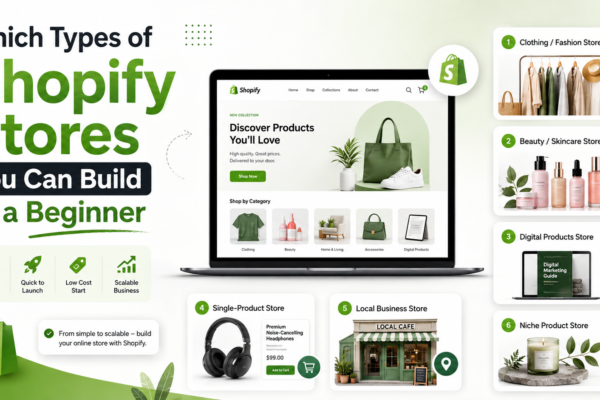
Which Types of Shopify Stores You Can Build as a Beginner
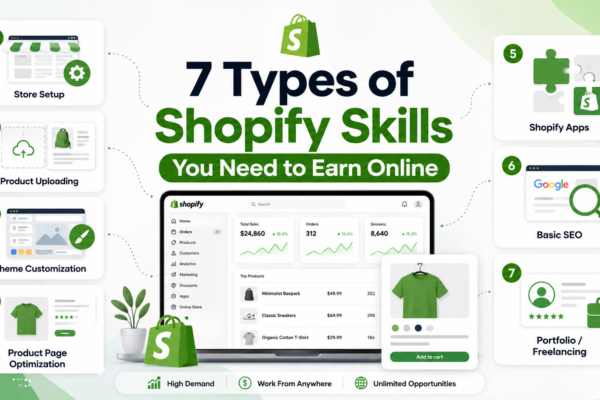
7 Types of Shopify Skills You Need to Earn Online