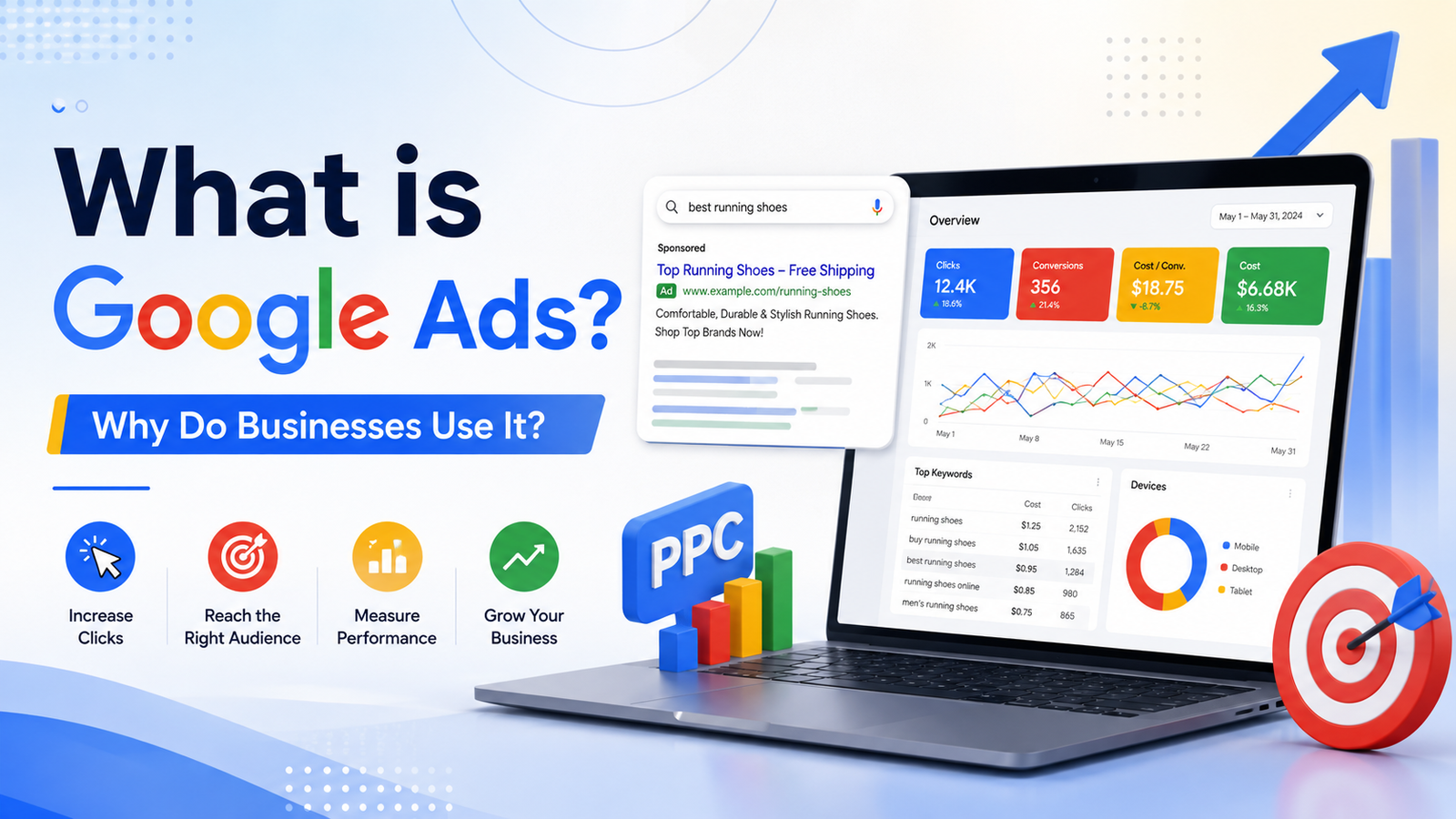
What is Google Ads and Why Do Businesses Use It?
Introduction
Many beginners hear about Google Ads, paid ads, PPC, and digital marketing, but they do not fully understand how these ads work.
Some people think Google Ads is only for big companies. Some think it is too difficult. Others believe they need a huge budget to start. But the truth is simple: Google Ads is a powerful advertising platform that helps businesses reach people when they are searching, watching videos, browsing websites, or looking for products online.
If you are searching for what is Google Ads, this guide will explain everything in simple words so even a beginner can understand.
What is Google Ads?
Google Ads is an online advertising platform by Google. It allows businesses to show paid ads across Google Search, YouTube, Display websites, Shopping, Gmail, Discover, Maps, and other Google-related placements, depending on the campaign type.
In simple words:
Google Ads means paying Google to show your ads to people who may be interested in your product, service, store, or business.
For example, when someone searches “best shoes online” on Google, they may see ads at the top of the search results. Those ads are usually created through Google Ads.
Businesses use Google Ads to get:
- Website visitors
- Product sales
- Leads
- Phone calls
- App installs
- Store visits
- Brand awareness
- YouTube video views
Google Ads is useful because it helps businesses reach people who may already be interested in what they offer.
How Does Google Ads Work?
Google Ads works by matching ads with people based on search keywords, audience signals, location, interests, website behavior, and campaign goals.
Here is the simple process:
- A business creates an ad campaign.
- The business chooses a goal, such as traffic, leads, sales, or awareness.
- The business selects keywords, audience, location, budget, and ad type.
- Google shows the ad to relevant people.
- People click, call, visit the website, buy, or take another action.
- The business checks results and improves the campaign.
Google Ads includes different campaign objectives and campaign types, such as Search, Display, Video, Shopping, App, and Performance Max.
Where Can Google Ads Appear?
Google Ads can appear in different places based on the campaign type you choose.
Common placements include:
- Google Search results
- YouTube videos
- Google Display Network websites
- Google Shopping results
- Google Maps
- Gmail
- Google Discover
- Mobile apps
For example, Search Ads appear when people search on Google. Display Ads can appear while people browse websites or use apps. Video Ads can appear on YouTube. Shopping Ads can show product images and prices in shopping-related searches.
Why Do Businesses Use Google Ads?
Businesses use Google Ads because it can bring targeted traffic faster than many organic methods.
Here are the main reasons.
1. Google Ads Helps Businesses Reach Ready Buyers
When someone searches on Google, they often already have a need.
For example:
- “best dentist near me”
- “buy running shoes online”
- “Shopify course in Pakistan”
- “digital marketing agency”
- “laptop repair shop near me”
If a business appears at the right time, it can get a customer, lead, or call.
2. Google Ads Gives Fast Results
SEO can take time. Social media growth can also take time. But Google Ads can start bringing traffic after the campaign goes live.
This does not mean profit is guaranteed. It means ads can help businesses test faster.
3. Businesses Can Control Their Budget
Google Ads allows advertisers to set budgets based on their goals. A business can start small, test results, and increase budget later.
For beginners, the smart method is:
- Start with a small budget
- Test keywords and ads
- Check results
- Stop weak ads
- Improve the winning ads
4. Google Ads Results Are Measurable
One big benefit of Google Ads is tracking. Businesses can see important numbers like clicks, impressions, cost, conversions, and cost per result.
This helps them understand what is working and what is wasting money.
5. Google Ads Works for Many Business Types
Google Ads can be used by:
- Ecommerce stores
- Local businesses
- Service providers
- Real estate companies
- Coaching institutes
- Online courses
- Shopify stores
- Mobile apps
- YouTube channels
- Digital product sellers
This is why Google Ads is an important digital marketing skill.
Main Types of Google Ads Campaigns
Beginners should understand the main campaign types.
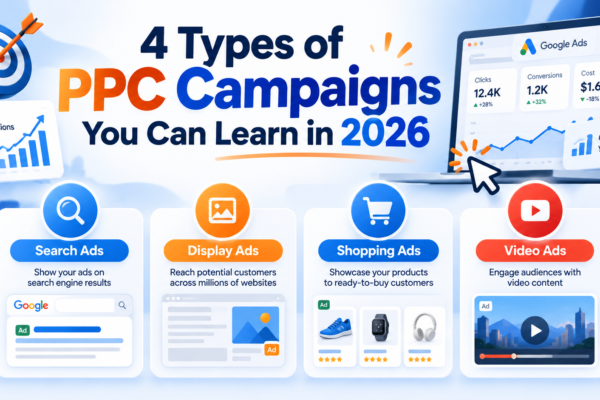
1. Search Ads
Search Ads appear on Google search results when people search for specific keywords.
Example:
A user searches “best digital marketing course.”
A course provider can show an ad for that keyword.
Search Ads are powerful because they target people with clear intent.
2. Display Ads
Display Ads are image or banner ads that appear on websites, apps, and other display placements.
These ads are useful for awareness, retargeting, and brand visibility.
3. YouTube Video Ads
Video Ads appear on YouTube. Businesses use them to promote products, courses, services, or brand messages.
Video Ads are useful when you want to explain something visually.
4. Shopping Ads
Shopping Ads are useful for ecommerce businesses. They can show product images, price, store name, and product details.
These ads are helpful for online stores that sell physical products.
5. Performance Max Campaigns
Performance Max is a goal-based campaign type that can access Google Ads inventory from one campaign, including Search, YouTube, Display, Discover, Gmail, and Maps.
This type is useful for businesses that want Google’s automation to help find more possible customers across different placements.
Important Google Ads Terms Beginners Should Know
1. Keyword
A keyword is the word or phrase people search on Google.
Example: “buy shoes online”
2. Click
A click happens when someone clicks your ad.
3. CPC
CPC means Cost Per Click. It tells you how much you paid for one click.
4. Conversion
A conversion is the action you want, such as a sale, lead, call, signup, or purchase.
5. Landing Page
A landing page is the page people visit after clicking your ad.
6. Ad Copy
Ad copy is the text written inside your ad.
7. Campaign Objective
Campaign objective means the goal of your ad campaign, such as leads, sales, traffic, or awareness.
How Beginners Can Start Learning Google Ads
Follow this simple roadmap.
Step 1: Understand Digital Marketing Basics
Before learning Google Ads, understand simple terms like product, customer, offer, traffic, lead, sale, and conversion.
Step 2: Learn Search Ads First
Search Ads are a good starting point because they are based on keywords. Beginners can understand them more easily than advanced campaign types.
Step 3: Practice Keyword Research
Learn how people search on Google. Good keywords help your ad reach the right people.
Step 4: Learn Ad Copywriting
A good Google ad should be clear and benefit-focused.
Your ad should explain:
- What you offer
- Who it is for
- Why people should click
- What action they should take
Step 5: Learn Budget and Bidding Basics
Do not spend money without understanding budget. Learn how daily budget, CPC, and conversions work.
Step 6: Learn Reporting
Google Ads is not only about launching campaigns. You must check results and improve.
Track:
- Clicks
- CPC
- CTR
- Leads
- Sales
- Cost per conversion
- Conversion rate
Common Mistakes Beginners Make
Avoid these mistakes:
1. Running Ads Without a Goal
Every campaign should have one clear goal.
2. Choosing Broad Keywords
Broad keywords can waste money if they are not controlled properly.
3. Weak Landing Page
If your landing page is slow or confusing, people may leave without taking action.
4. No Tracking
Without tracking, you do not know which ads are working.
5. Expecting Instant Profit
Google Ads needs testing, learning, and improvement.
How Our Paid Ads Course Can Help
Free videos can teach some basics, but many beginners feel confused because the information is scattered. One video teaches keywords, another teaches campaign setup, and another teaches conversion tracking.
Our Paid Ads Mastery course is designed for beginners who want to learn paid ads step by step.
Inside the course, you can learn:
- Google Ads basics
- Search Ads
- Keyword research
- Campaign setup
- Budget planning
- Ad copywriting
- Landing page basics
- Results tracking
- Optimization
- Freelancing direction
The goal is to help beginners understand paid ads practically, so they can run campaigns for local businesses, ecommerce stores, service providers, and online projects.
Final Advice
So, what is Google Ads?
Google Ads is an online advertising platform that helps businesses show ads across Google Search, YouTube, Display, Shopping, Maps, Gmail, Discover, and other placements based on campaign type.
Businesses use Google Ads because it can bring targeted traffic, leads, calls, sales, and brand awareness. But Google Ads is not magic. It needs proper keywords, clear goals, strong ad copy, good landing pages, budget control, and result tracking.
If you are a beginner, start with Search Ads, learn keywords, practice ad copy, understand reports, and improve step by step.
FAQs
1. What is Google Ads?
Google Ads is Google’s online advertising platform that allows businesses to show paid ads on Google Search, YouTube, Display websites, Shopping, Maps, and other placements.
2. Why do businesses use Google Ads?
Businesses use Google Ads to get website traffic, leads, calls, sales, product visibility, and brand awareness.
3. Is Google Ads good for beginners?
Yes, Google Ads is good for beginners if they learn step by step and start with basic campaign types like Search Ads.
4. Can I earn money by learning Google Ads?
Yes, you can earn by offering Google Ads services to businesses, ecommerce stores, service providers, and local clients.
5. Is Google Ads the same as PPC?
Google Ads is a platform. PPC is an advertising model where advertisers may pay for clicks. Many Google Ads campaigns work on a PPC-style model.
Tag:Instagram Ads, Paid Ads

You may also like
Facebook Ads vs Google Ads: Which is Better for Beginners?
5 Types of Paid Ads Services Freelancers Can Sell